Phone Data Transfer Tool for iPhone/Android
- Transfer data between iOS and Android devices without resetting.
- Selectively transfer the data you need instead of a full restore.
- Transfer 18+ types of data including messages, contacts, photos, videos, and more between phones.
- Supports 6000+ mobile devices running on Android and iOS systems.
- Transfer smoothly and fast. Up to 98% success rate.


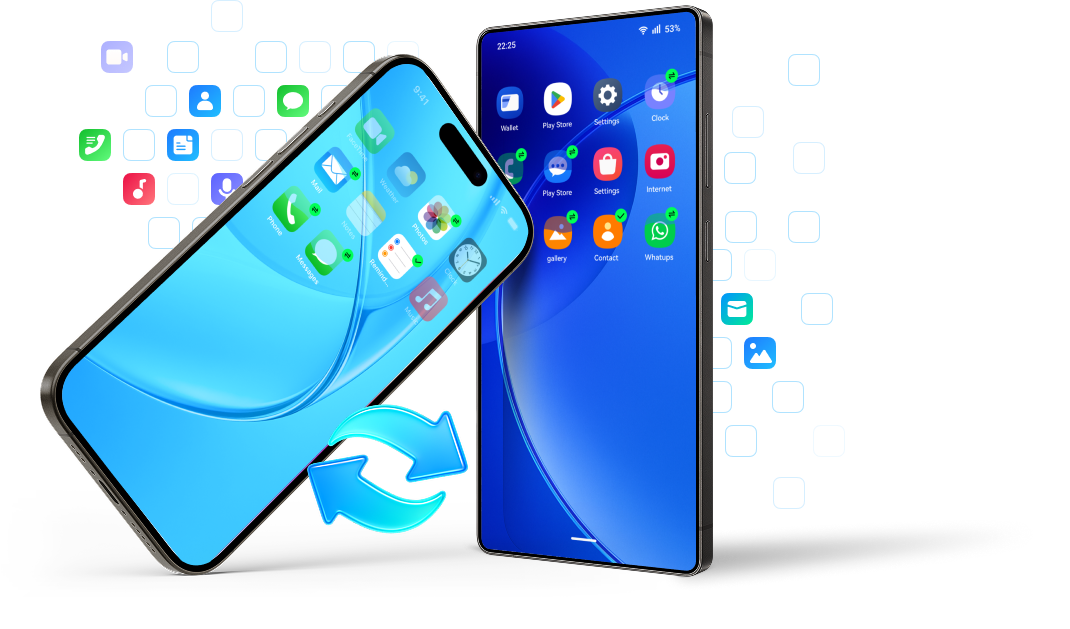


Why MobileTrans is Extraordinary?
MobileTrans is your go-to solution for transferring data from one phone to another after setup.

-
 Factory reset required
-
Data transfer errors
-
Time-consuming: 1-5 hours
-
Data overwrite on target device
-
Low success rate (stuck/interrupted)

-
 No factory reset after setup
-
Transfer smoothly, no errors
-
Transfer data within 30 minutes
-
No device data will be overwritten
-
99.9% success rate
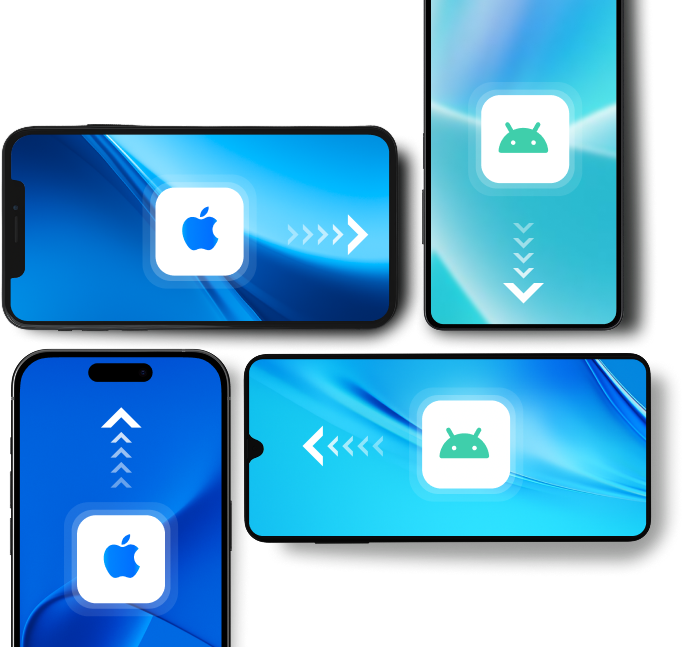
Cross-platform Phone to Phone Transfer
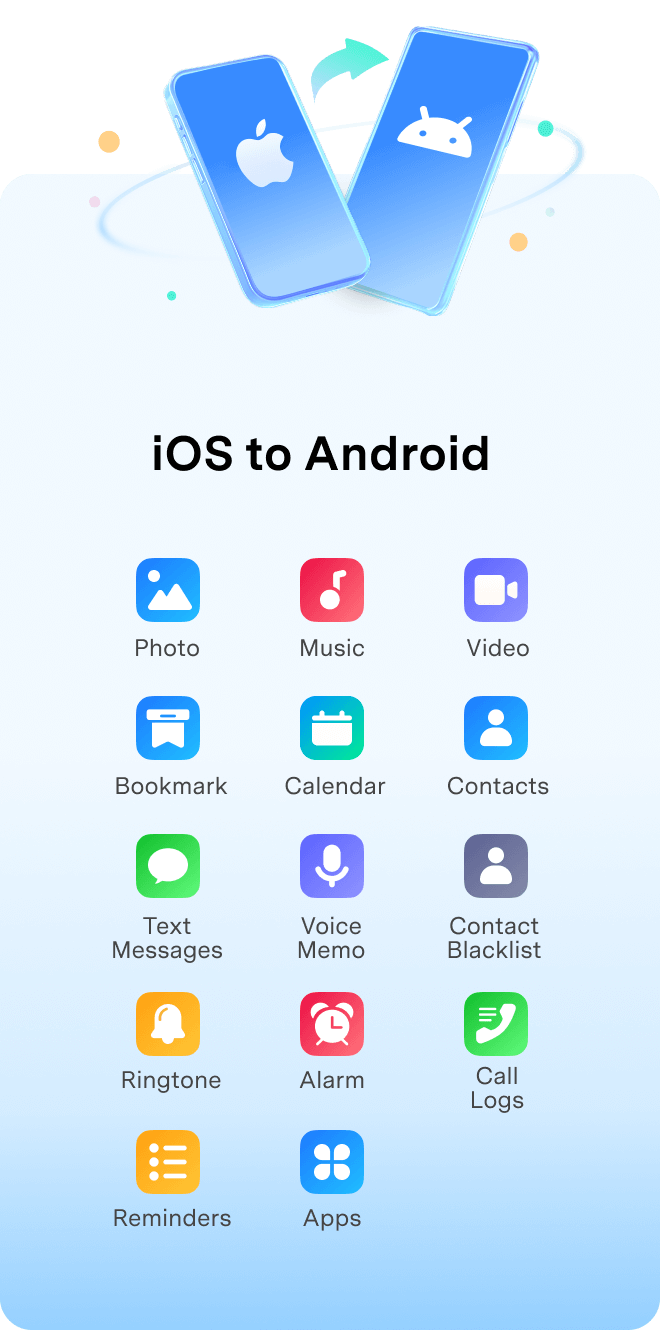
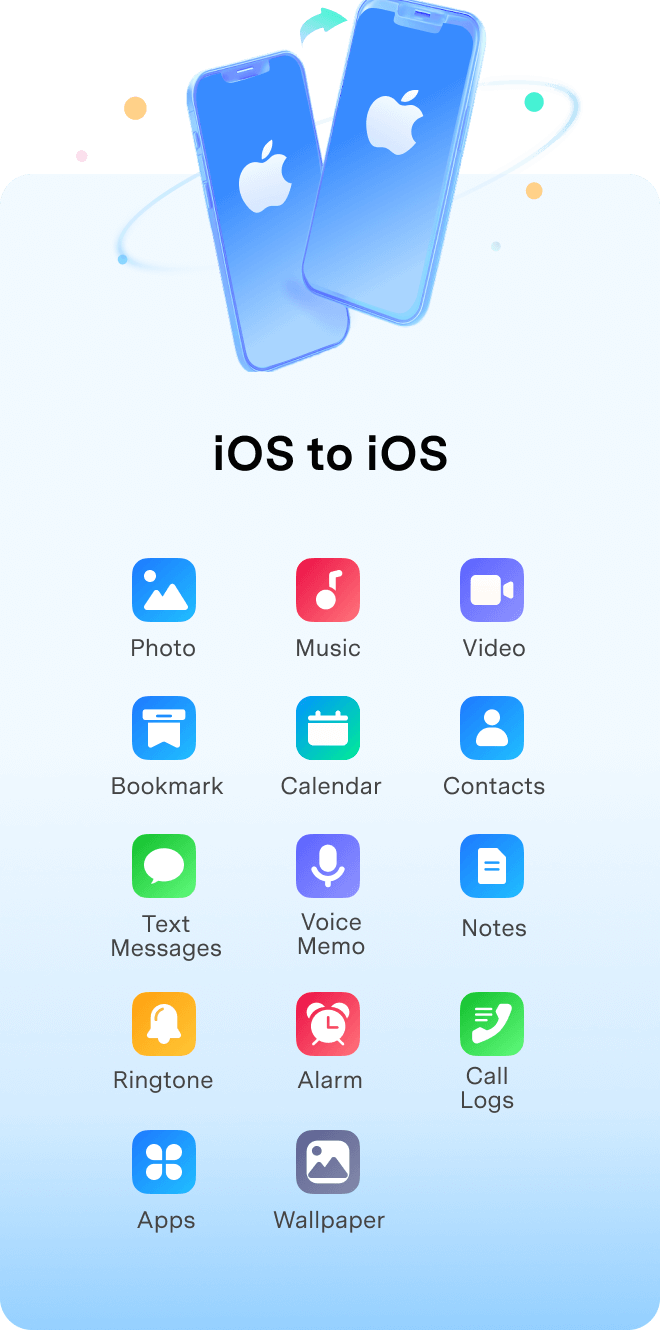
Whether you're switching from Android to iPhone or vice versa, Wondershare MobileTrans makes the utmost effort to transfer
data across the bridge without a hiccup. Break the limits of the OS and enjoy the freedom of seamless data sharing.
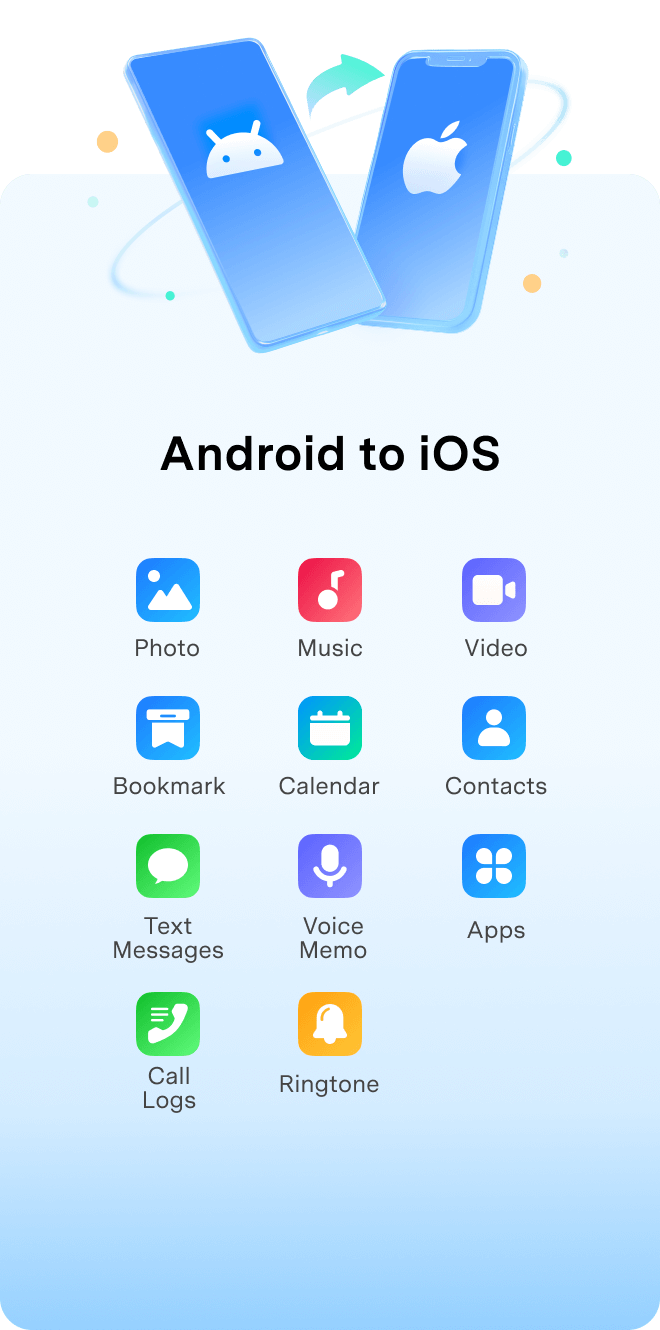
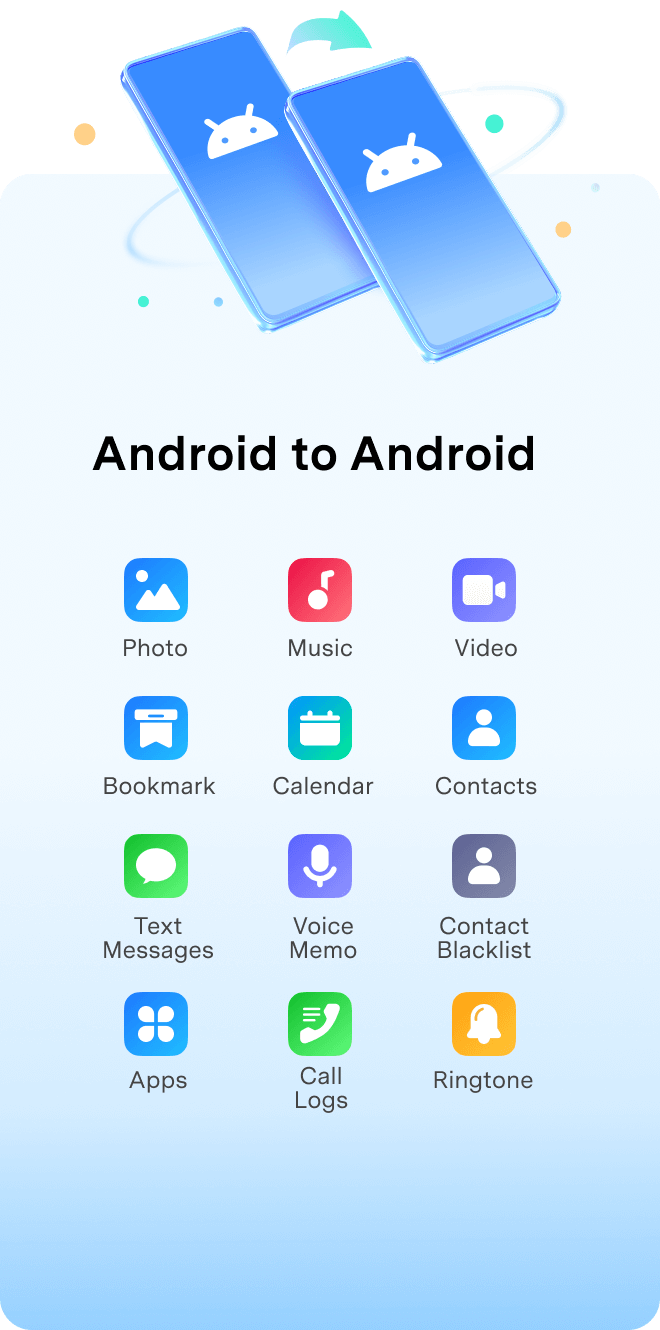
Transfer up to 18+ Types of Data between Phones
MobileTrans supports 18 types of data: photos, contacts, messages, videos, calendars, and music.
Whatever was on your old phone will be exactly what you get on your new phone.
MobileTrans Can Do More for You
Besides transferring data from phone to phone, MobileTrans can help you more: transfer data from phone to computers or from computers to phones,
directly move data from iCloud to Android or iPhone devices, and migrate apps with in-app data.
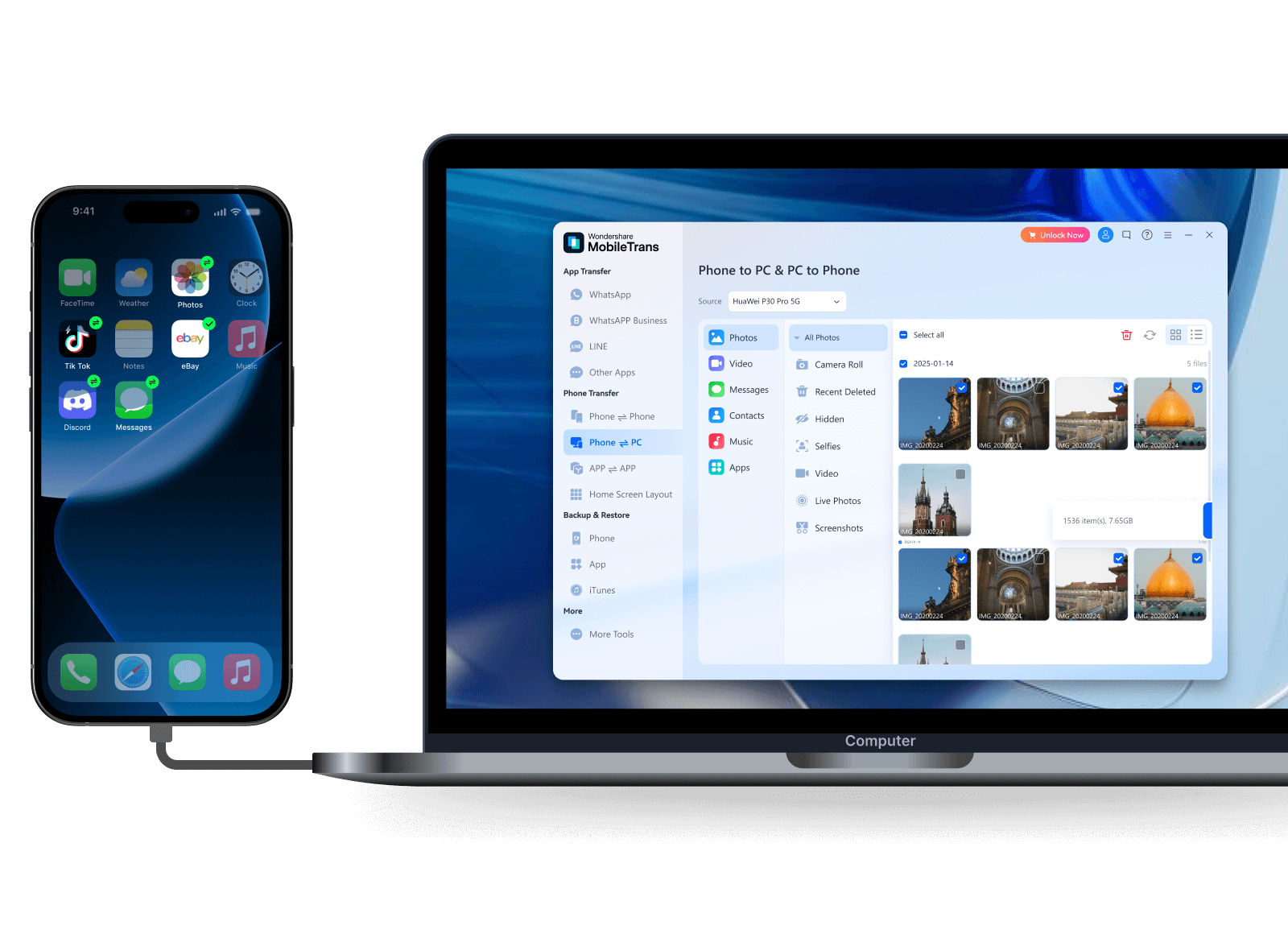
Transfer Data between Phone and Computer
Whether you've run out of storage space on your phone or want to access files on the go, MobileTrans can help transfer data from mobile phone to pc or vice versa.


Transfer from iCloud to Android
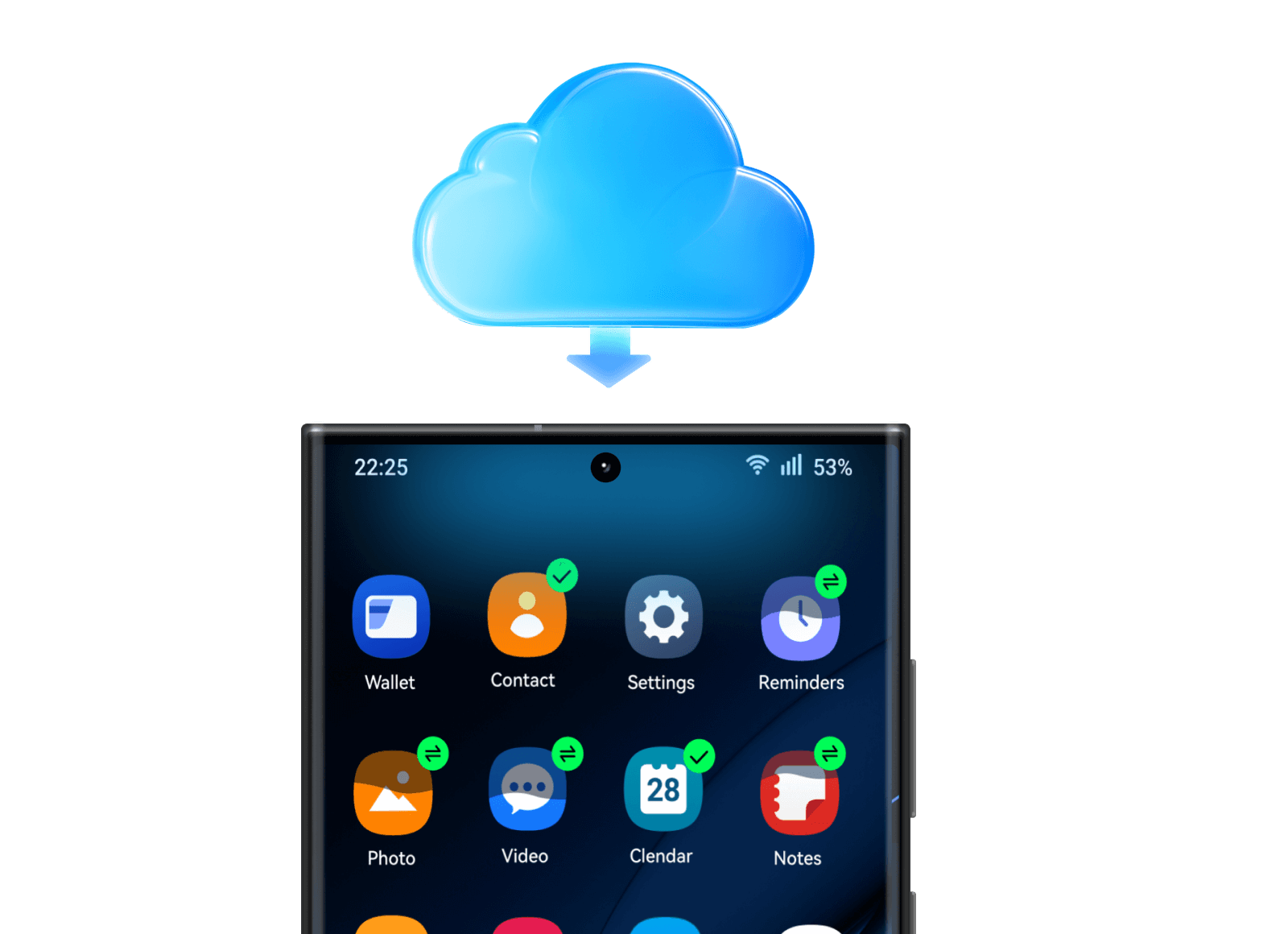
Switching from iOS to Android, while iCloud stored your cherished data? Worry less, MobileTrans helps restore all data that syncs to your iCloud before switching to new Android device.


Transfer Apps between Devices
Easily transfer apps to your new phone without having to reinstall them one by one. It can also move the in-app data to your new phone and sync it with the apps.
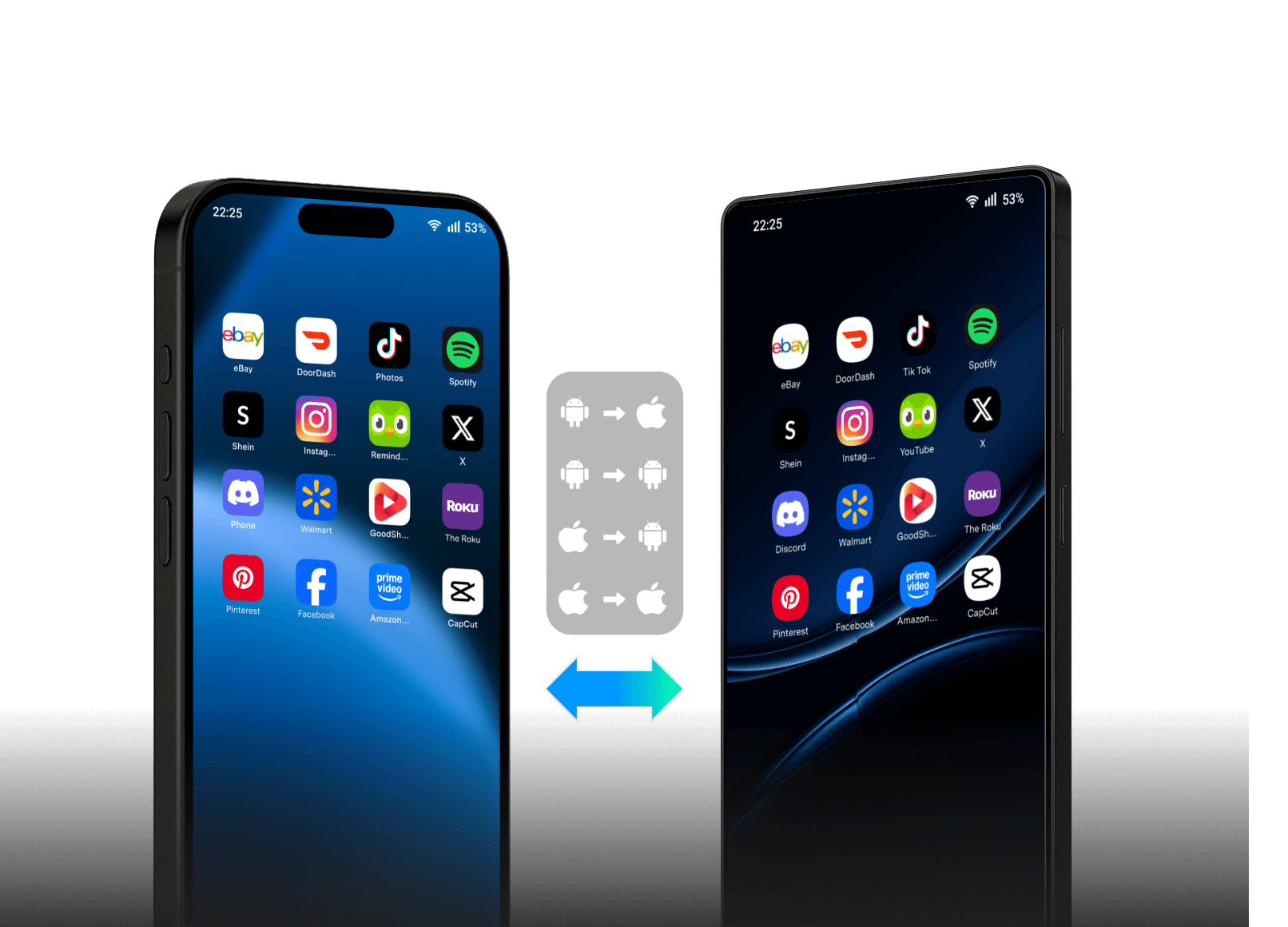
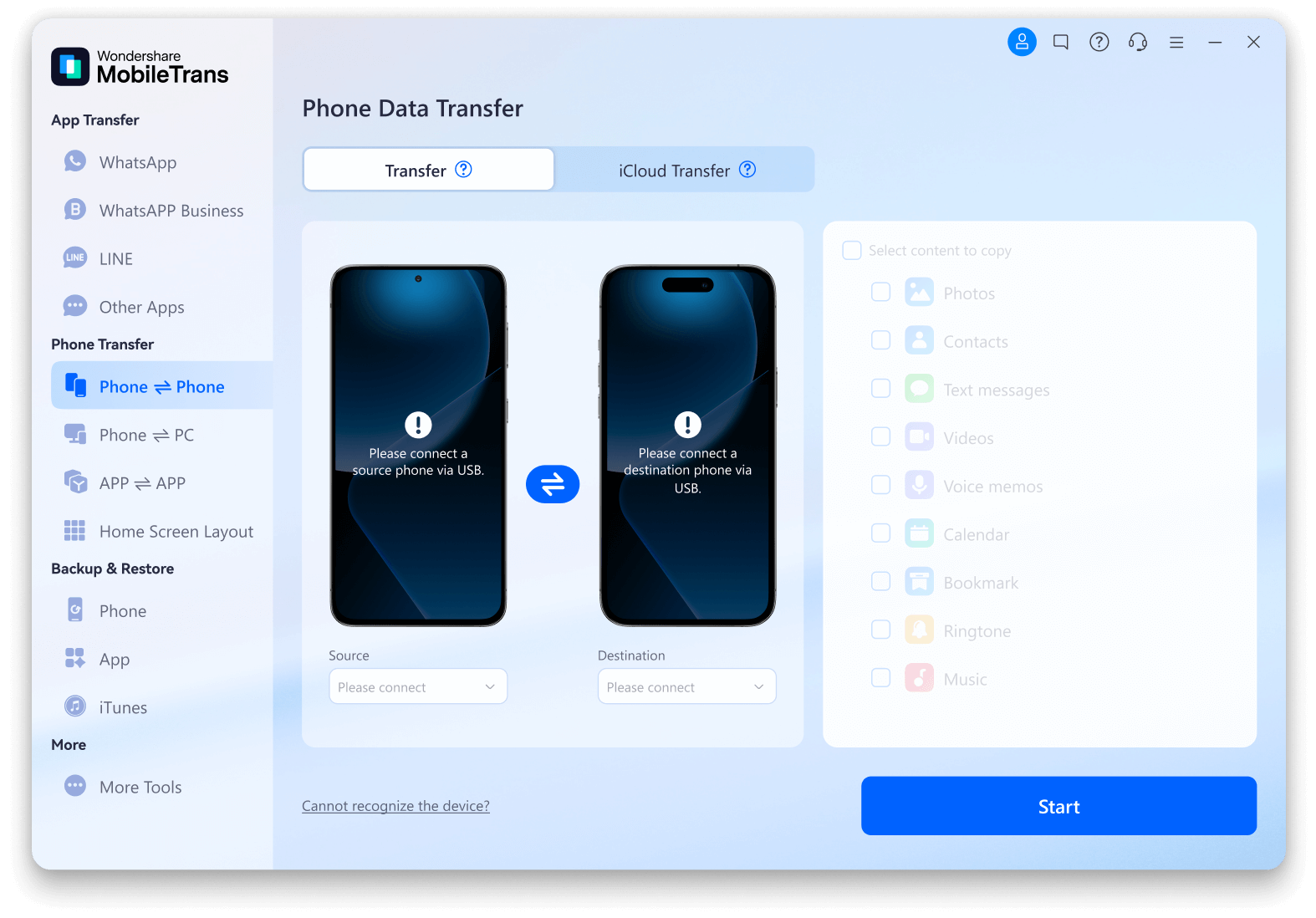
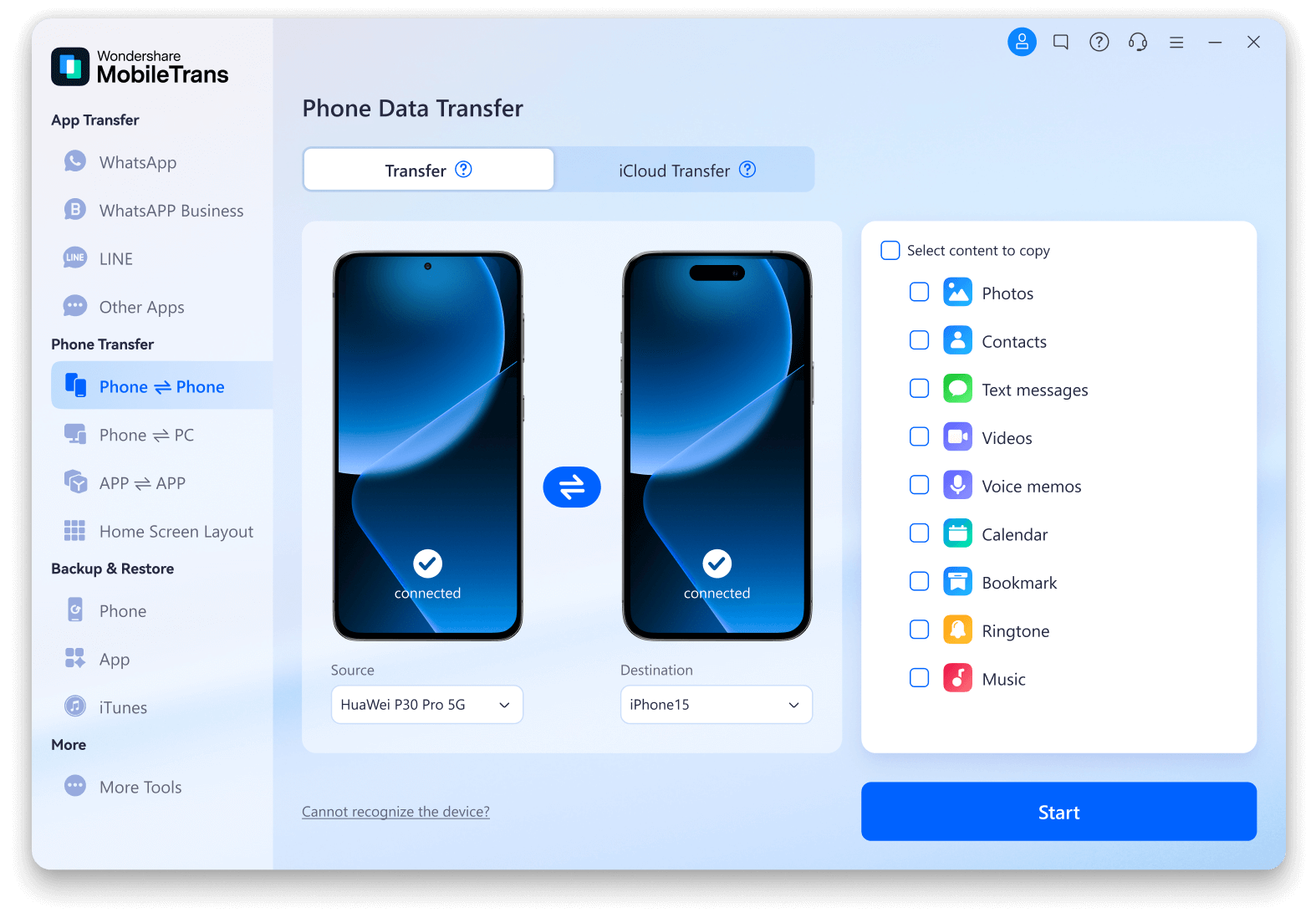
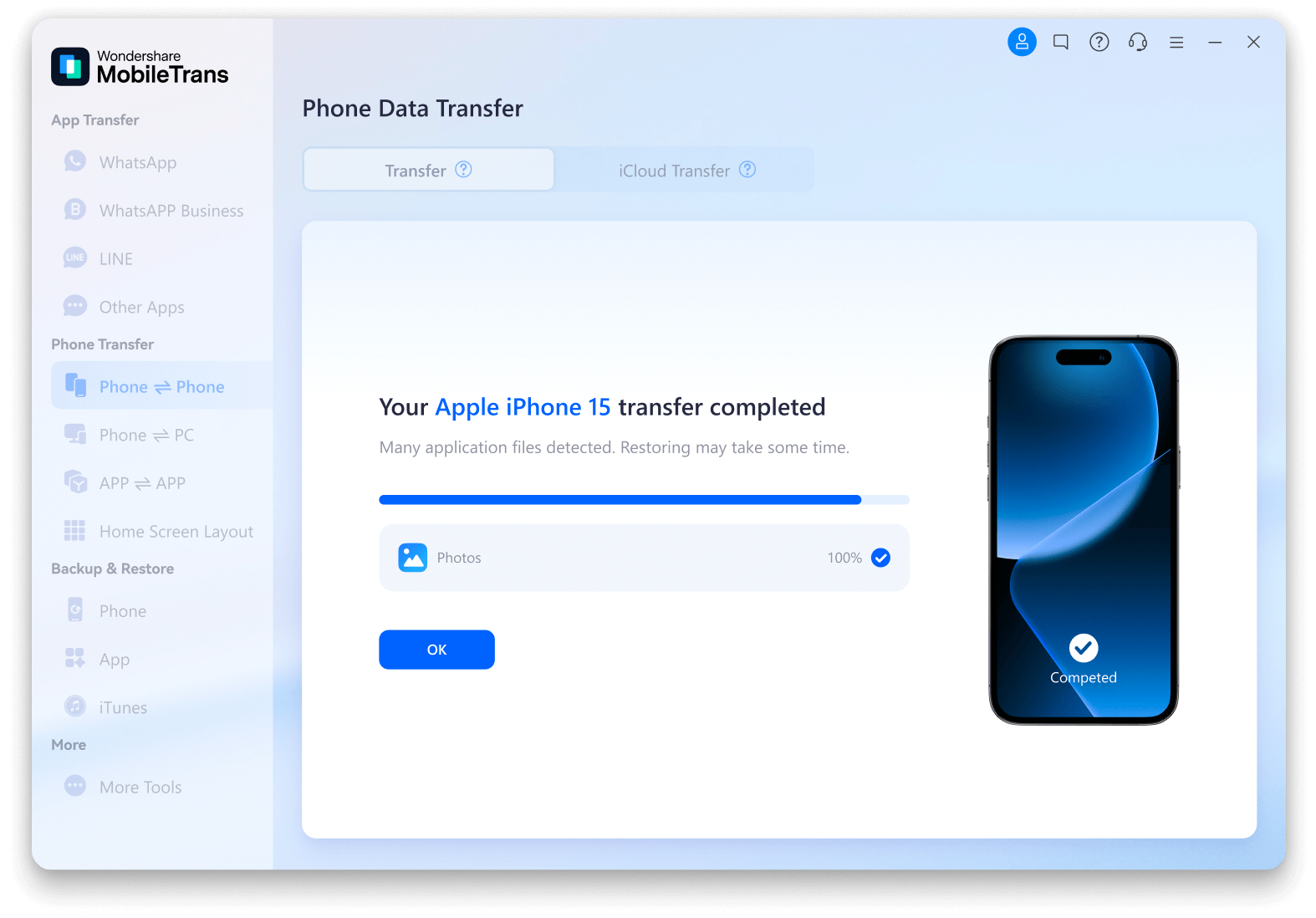
How to Seamlessly Transfer Data from Phone to Phone via MobileTrans?
Tech Specs
CPU
1GHz (32 bit or 64 bit)
Hard Disk Space
200 MB and above free space
RAM
256 MB or more of RAM (1024MB
Recommended)
iOS & Android
iOS Versions: iOS 6 and up (iOS 26 beta included)
Android Versions: Android 4.6 and up (Android 16 included)
Computer OS
Windows: Win 11/10/8.1/8/7/Vista/XP
Mac: 15 (macOS Sequoia), 14 (macOS Sonoma), 13 (macOS Ventura), 12 (macOS Monterey), 11 (macOS Big Sur), 10.15 (macOS Catalina), 10.14 (macOS Mojave), Mac OS X 10.13 (High Sierra), 10.12 (macOS Sierra), 10.11 (El Capitan), 10.10 (Yosemite), 10.9 (Mavericks), or 10.8